Modèles d'IA · google
Google Imagen 4 Ultra
Choose Imagen 4 Ultra for image quality when speed and cost come second.
10 CR / RUN · google · 1.7M RUNS
À propos
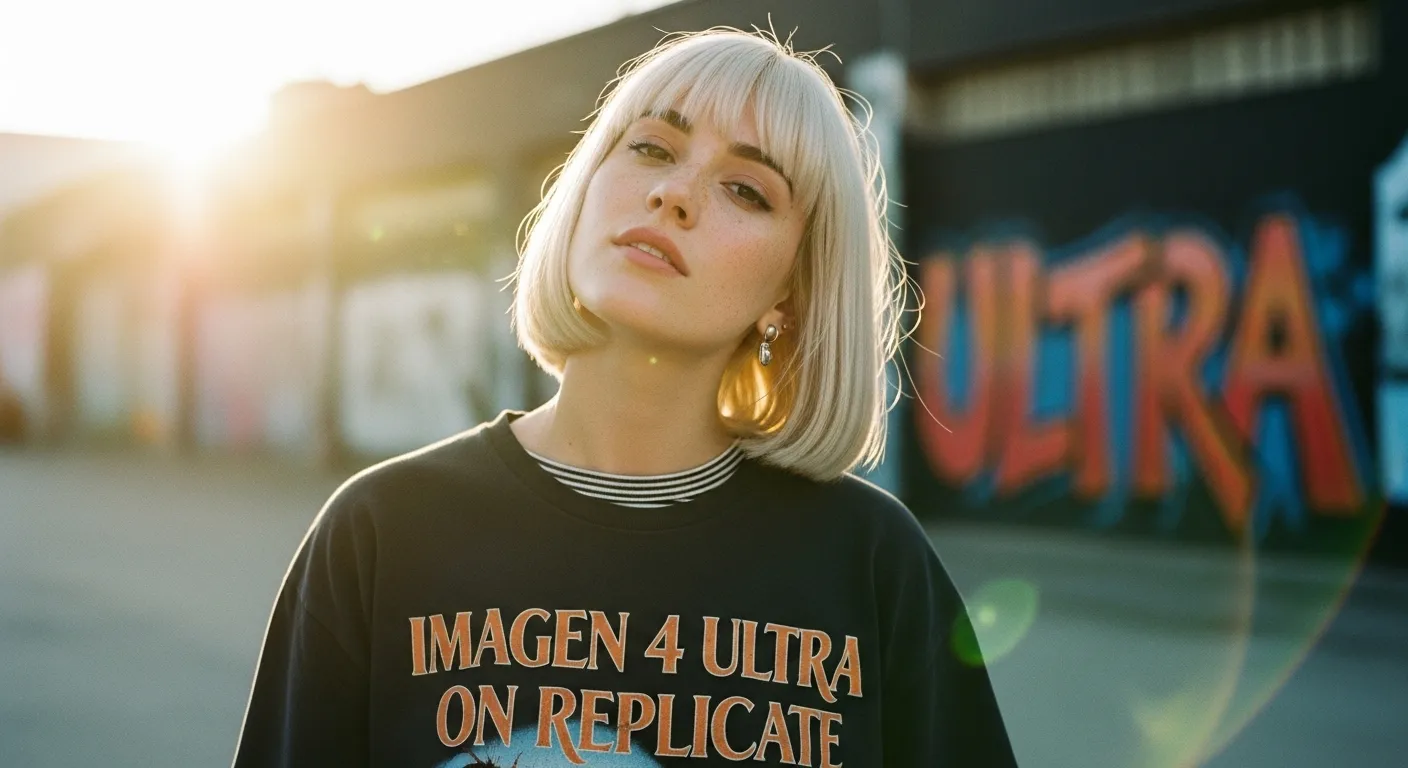
Imagen 4 Ultra is the quality-first version of Google’s Imagen 4 on Replicate. It’s built for projects where image fidelity matters more than turnaround time or budget.
With support for prompt-based generation, selectable image sizes, aspect ratios, output formats, and safety filter levels, it gives teams practical control over how images are created and delivered.
Backed by more than 1.7 million runs on Replicate, it’s a proven option for creators who want premium results from a widely used model.
Points forts
- 01Quality-first version for higher-end image generation
- 02Good fit when speed is less important than final output
- 03Flexible controls for image size and aspect ratio
- 04Choose the output format that suits your workflow
- 05Adjust safety filter level to match project needs
Prompts d'exemple
A cinematic portrait of a violinist on a rainy city street at night, dramatic reflections, ultra-detailed lighting, realistic atmosphere
Essayer ce promptLuxury skincare product shot on marble with soft morning light, clean editorial styling, premium commercial photography look
Essayer ce promptA sweeping fantasy landscape with towering cliffs, floating ruins, and golden sunrise mist, richly detailed and majestic
Essayer ce promptModern living room interior with warm natural light, textured materials, minimalist furniture, high-end architectural photography style
Essayer ce promptCas d'usage
Premium marketing visuals
Create polished campaign imagery when visual quality is the top priority. It’s well suited to ads, landing pages, and brand storytelling assets.
Concept art and moodboards
Generate detailed scenes and visual directions for creative exploration. Useful when you want stronger image quality for pitches or early-stage ideation.
Product and editorial imagery
Produce refined product-style or editorial-style visuals for presentations, mockups, and content. Output controls help tailor images to specific layouts.
Format-specific creative production
Use image size and aspect ratio settings to prepare assets for different channels. This makes it easier to create visuals for web, social, or presentation formats.
FAQ
Modèles similaires
Google Nano Banana Pro
Google’s state-of-the-art model for AI image generation and editing.
10 CR · google · 28.3M RUNS
Google Nano Banana 2
Fast image generation with conversational edits, fusion, and consistent characters.
10 CR · google · 11.2M RUNS
Google Imagen 4
Google’s flagship Imagen 4 model for high-quality image generation.
10 CR · google · 8.1M RUNS
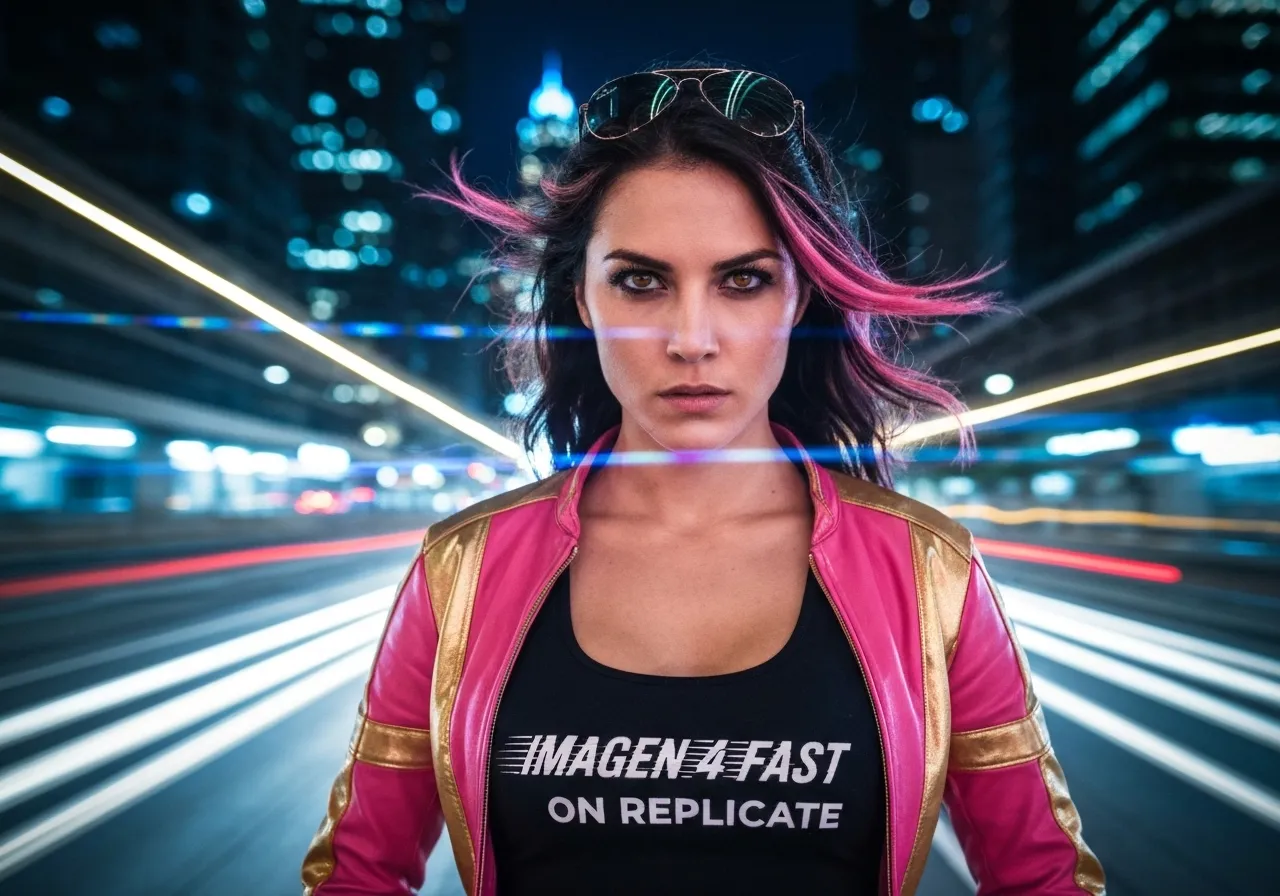
Google Imagen 4 Fast
Fast Imagen 4 generation for quick, cost-conscious image workflows.
10 CR · google · 5.7M RUNS