Modelos de IA · other
Seedream 4.5
ByteDance’s upgraded image model for sharper scenes and smarter prompts.
10 CR / RUN · other · 32.1M RUNS
Acerca de
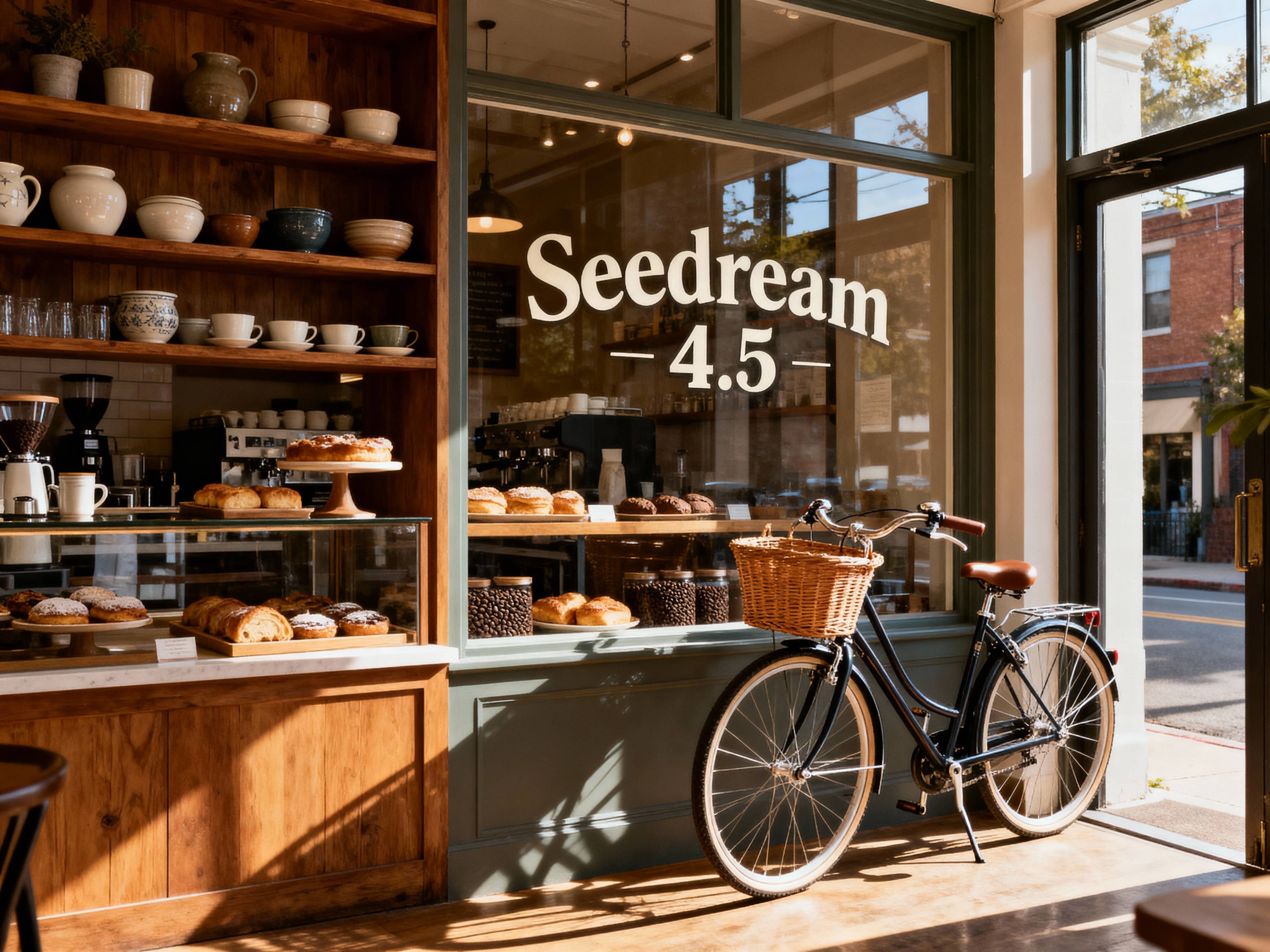
Seedream 4.5 is an upgraded image-generation model from ByteDance, built for users who want stronger spatial understanding and broader world knowledge in their results.
It’s a flexible option for prompt-based image creation, with support for custom sizes, aspect ratios, multiple image outputs, and image input for guided generation.
With more than 32 million runs on Replicate, Seedream 4.5 is a widely used choice for generating polished visuals across a range of creative workflows.
Puntos fuertes
- 01Upgraded ByteDance model for image generation
- 02Stronger spatial understanding for scene composition
- 03Improved world knowledge for more informed prompt handling
- 04Supports text prompts and image input
- 05Flexible control over size, width, height, and aspect ratio
- 06Can generate multiple images in one request
Prompts de ejemplo
A cinematic rooftop garden at sunset, layered city skyline in the background, realistic lighting, strong depth and clean architectural details
Probar este promptAn editorial fashion portrait of a model in a structured white suit, studio lighting, minimal backdrop, crisp composition
Probar este promptA cozy neighborhood bookstore on a rainy evening, warm interior glow, reflections on the sidewalk, highly detailed scene
Probar este promptA futuristic electric train station with clear signage, commuters, dramatic wide-angle perspective, polished modern design
Probar este promptCasos de uso
Concept art and scene generation
Use Seedream 4.5 to create detailed environments and visual concepts from text prompts. Its stronger spatial understanding can help with layouts that feel more coherent.
Marketing and social visuals
Generate eye-catching images for campaigns, posts, and creative mockups. Adjustable sizes and aspect ratios make it easier to fit different channels.
Image-guided ideation
Start from an input image when you want to guide the output more closely. This is useful for exploring variations while keeping a visual reference in the loop.
Batch exploration
Create multiple images in one request to compare directions quickly. It’s a practical way to test different looks from a single prompt.
Preguntas frecuentes
Modelos relacionados