AI Models · openai
OpenAI GPT-Image 2
State-of-the-art image generation and editing with sharp text and strong prompt control.
10 CR / RUN · openai · 6.3M RUNS
About
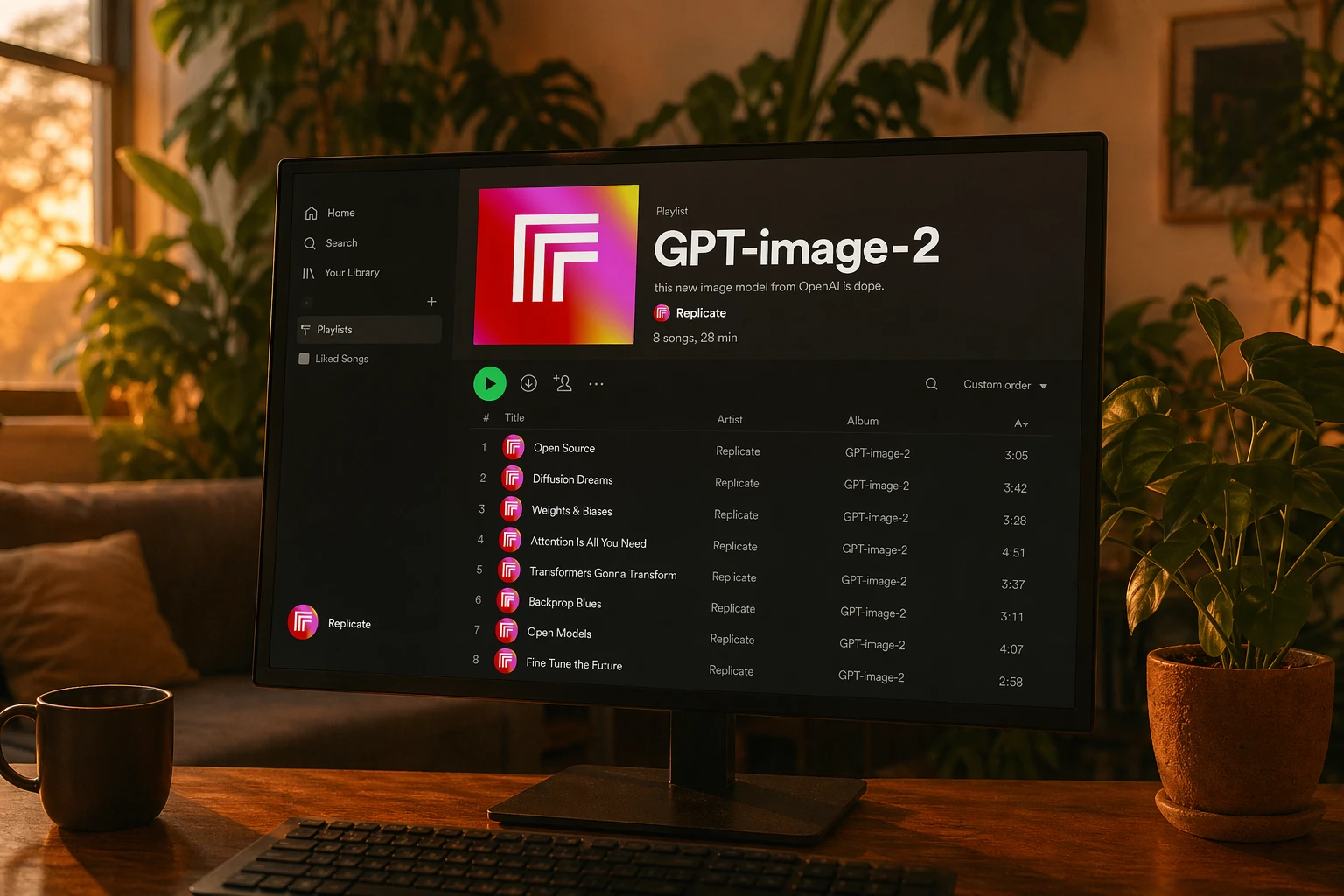
gpt-image-2 is OpenAI’s state-of-the-art image generation model for creating and editing images from text. It stands out for strong instruction following, detailed edits, and notably sharp text rendering inside images.
With support for input images, aspect ratio control, background settings, quality options, and multiple output formats, it fits a wide range of creative and production workflows. Its high usage on Replicate also points to broad real-world adoption.
Strengths
- 01State-of-the-art image generation from text
- 02Strong instruction following for precise results
- 03Detailed image editing with input image support
- 04Sharp text rendering inside generated images
- 05Flexible controls for aspect ratio, background, and quality
- 06Supports multiple images and output formats
Example prompts
Design a clean product ad for a sparkling water brand on a pastel background, with sharp readable headline text that says 'Pure Refreshment' and a modern studio lighting look.
Try this promptEdit this portrait into a cinematic magazine cover image, preserve the subject’s identity, add dramatic rim lighting, and place crisp cover lines around the subject.
Try this promptCreate an illustrated travel poster for Kyoto in spring, wide aspect ratio, vibrant colors, detailed architecture, and elegant readable title text at the top.
Try this promptTransform this room photo into a minimalist interior design concept with warm wood tones, soft daylight, and subtle decor while keeping the original layout.
Try this promptUse cases
Marketing creatives
Generate campaign visuals, social graphics, and product ads from a text brief. Sharp text rendering makes it especially useful for designs that include headlines or labels.
Image editing and refinement
Use input images to make targeted visual changes while following detailed instructions closely. This is helpful for concept revisions, retouching, and style updates.
Branded design mockups
Create posters, covers, and promotional layouts with readable on-image text. Aspect ratio and background controls help tailor outputs for different channels.
Creative concepting
Quickly explore visual directions from simple or detailed prompts. Generate multiple images to compare styles, compositions, and messaging approaches.
FAQ
Related models